How to cancel your FulGaz subscription
Last updated About 2 years ago
If you are on a free trial, there is no need to cancel. We do not collect payment details when signing up for a trial, so you will not be automatically charged once your trial expires. If you would like your account deleted completely, please send us a support ticket and we can do this for you.Cancelling your Monthly or Annual Membership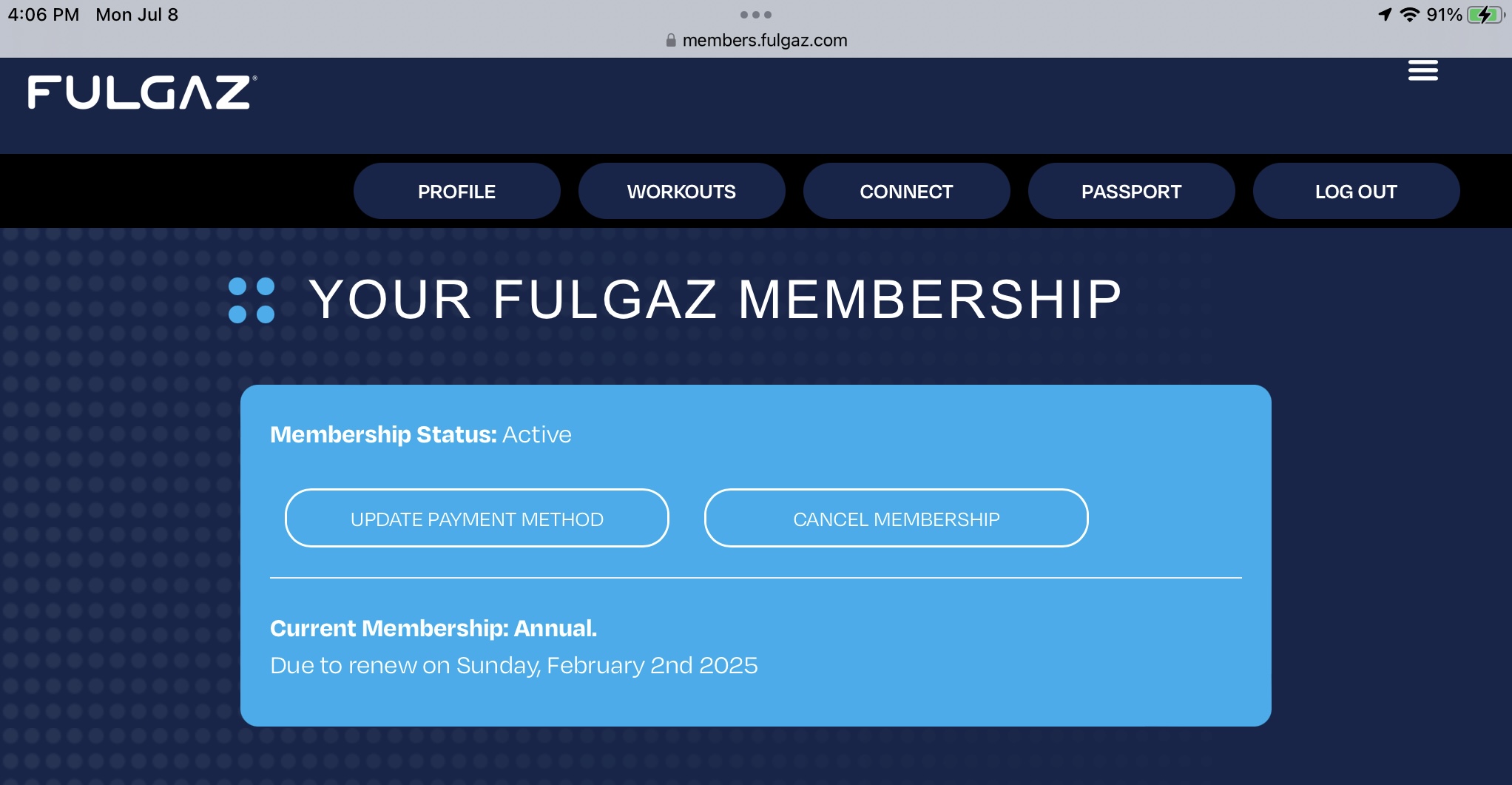
If you have a monthly or annual membership to FulGaz and would like to stop / cancel the automatic renewal, you can do this by logging into your Member's Page using your FulGaz email and password.
FulGaz Member's PageDirectly underneath "Your FulGaz Membership" is a "Membership Status" box. On the right-hand side within this box is the option to "Cancel Membership." Click on this link and then follow the prompts to cancel your reoccurring payment.
Once you cancel, you will still have full access to FulGaz until your renewal date. For example, if your renewal was due on the last day of the month and you cancel mid-month, you will still be able to access and ride FulGaz until the end of the month.
Still need help? Ask the team