In-ride screenshot truncated
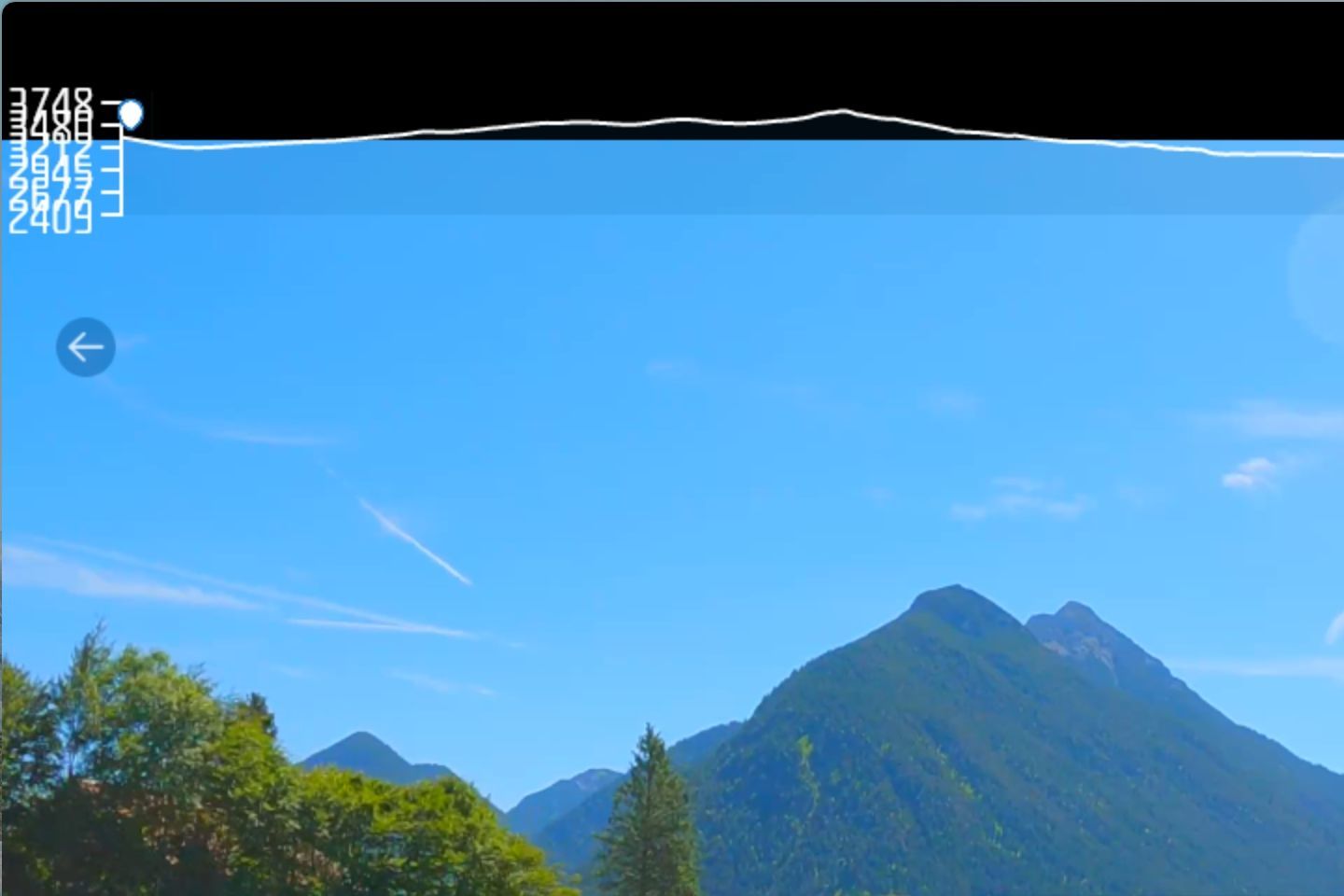
In the new Windows release, 5.3.8.0, the screenshot taken within the app is trucated vertically as you can see below. Other than this, the release is an improvement with the UI scaling fixed. The letterboxing on my Surface table is new but actually IMO improves the video quality since it’s not being expanded to fill my screen.
Log in to comment and vote
Comments5
Moray Taylor
Apr 4, 2025
Next release should resolve this.
Moray
Klem (FulGaz)
Apr 1, 2025
Cannot replicate as of yet. Screenshot from Holyrood Harbour on 5.3.8.0 Windows, uploaded with Strava sync:
Doug G
Apr 1, 2025
I’ll try again in a few days. Since others are not getting the letterboxing that I’m seeing, it might have to do with the specific resolution and scaling of my screen (2880 × 1920). Worked fine on 5.3.7.0 and earlier. Low priority in any case.
Doug G
Apr 1, 2025
I should have said “cropped” instead of “truncated” since it’s only showing the upper left of the screen. This is a similar screenshot using the Windows capture keys.
PKcycle
Apr 1, 2025
I have had the same problem since about January. About 10-15 sec into the streamed ride, it suddenly crops the FOV. It doesn’t happen if I have downloaded the ride beforehand. It has been impossible to do a ride since whilst streaming. It happens on every ride at every resolution. Very frustrating. I forwarded a video from my screen last month of it happening to Klem who is looking into it. You’re not alone, Dougg.